Quick Insights: Control Panel Setup on Ubuntu 26.04
To ensure maximum stability for your web applications in 2026, pairing Ubuntu 26.04 LTS with a high-performance control panel is essential. Using VMoHost Bare-Metal infrastructure provides the dedicated CPU and NVMe storage power required to run CyberPanel or aaPanel without the micro-latency often found in virtualized environments.
| Feature | Recommended Spec |
|---|---|
| Minimum RAM | 2GB (4GB+ for CyberPanel) |
| Storage Type | NVMe SSD (VMoHost Optimized) |
| OS Version | Ubuntu 26.04 LTS (Fresh Install) |
1. Introduction: The Power of Ubuntu 26.04 LTS
In the fast-evolving landscape of 2026, **Ubuntu 26.04 LTS** has officially arrived as the gold standard for server operating systems. Choosing this latest LTS release ensures your infrastructure benefits from years of guaranteed security patches and modern hardware support.
When you deploy these panels on **VMoHost Bare-Metal infrastructure**, you eliminate the "noisy neighbor" effect, ensuring:
- ⚡ Instant IOPS: NVMe-backed servers ensure that database-heavy tasks within your panel happen instantly.
- 🚀 Unthrottled CPU: 100% of the processing power is dedicated to your web server and control panel services.
- 🛠️ Total Control: Full root access allows you to tweak the Ubuntu 26.04 kernel for your specific needs.
Step 1: Preparing Your Server
First, connect to your VMoHost server via SSH and update the system packages:
sudo apt update && sudo apt upgrade -ySet your server's FQDN hostname (Essential for Mail/SSL):
hostnamectl set-hostname panel.vmohost.comStep 2: Installing Your Chosen Panel
Option A: CyberPanel (OpenLiteSpeed)
sh <(curl https://cyberpanel.net/install.sh || wget -O - https://cyberpanel.net/install.sh)Option B: aaPanel (Modular Stack)
wget -O install.sh http://www.aapanel.com/script/install-ubuntu_6.0_en.sh && sudo bash install.shDeploy on Bare Metal Power
Experience unmetered 10Gbps bandwidth and dedicated resources for your Ubuntu 26.04 server.
Step 3: Post-Installation & Firewall
Ensure your Ubuntu firewall (UFW) is configured to allow access to your new dashboard:
sudo ufw allow 80,443,8090,7800,22/tcp
sudo ufw enable
Conclusion: A Stable Foundation for 2026
By deploying CyberPanel or aaPanel on a **VMoHost Ubuntu 26.04** server, you have built a world-class hosting environment. You now have the reliability of an LTS operating system backed by the raw, unthrottled power of bare-metal hardware.
Ready to scale? Build your next project on VMoHost Dedicated Infrastructure for the best performance-to-price ratio in the industry.
Frequently Asked Questions (FAQ)
Is Ubuntu 26.04 LTS supported by all panels?
+
As of 2026, major panels like CyberPanel and aaPanel have released updates to support the 26.04 kernel. However, always ensure you are using the latest installation scripts provided in this guide for compatibility with the new package repositories.
Can I switch between CyberPanel and aaPanel?
+
It is highly recommended to install only one panel per fresh OS instance. These panels install complex web stacks (Nginx/LiteSpeed) that can conflict with each other. If you wish to switch, we recommend a fresh OS reload on your VMoHost dashboard.
Recent Topics for you
.webp)
How to Install Proxmox VE: Build Your Own Private Cloud Server
Build your own private cloud with Proxmox VE. This step-by-step guide covers hardware requirements, installation, and VM creation.

Why Your Magento Store is Slow: The Hidden 'VPS Bottleneck' Revealed
Is your Magento store lagging? Discover why the hidden 'VPS Bottleneck' is killing your sales and how upgrading to dedicated hosting is the only fix.

How to Install CyberPanel or aaPanel on Ubuntu 26.04 LTS
A step-by-step 2026 guide to deploying modern control panels on the latest Ubuntu LTS for maximum server efficiency and performance.

Private AI: How to Deploy Llama 3 on a GPU Dedicated Server
Master private AI deployment. Learn how to install Meta's Llama 3 on a dedicated GPU server for total data privacy and high-speed performance.
How to Make a Minecraft Bedrock Dedicated Server with Addons
Level up your game! Learn how to set up a Minecraft Bedrock Dedicated Server (BDS) with custom addons for 24/7 cross-play on Windows, consoles, and mobile.

How to Fix "Connection to Server Lost" Game Server Issues
Getting kicked out of games with a 'Connection to Server Lost' error? Follow this step-by-step guide to fix both client-side and server-side disconnection issues fast.
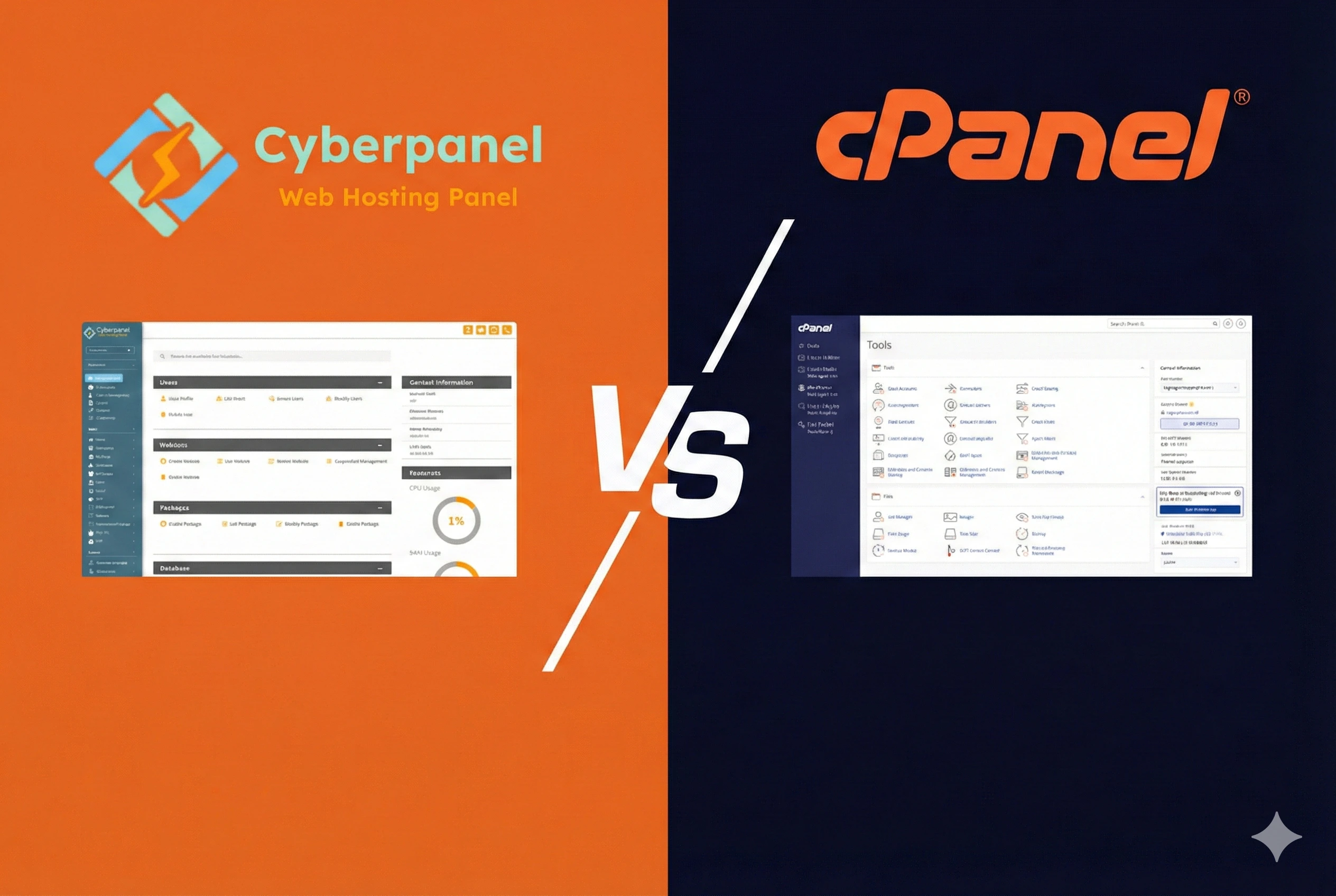
cPanel Alternatives: How to Setup CyberPanel for Professional Hosting
Move away from cPanel and save money with CyberPanel! Install CyberPanel on a dedicated server with OpenLiteSpeed.