Stop Reselling: Start Your Own High-Profit VPS Hosting Business Today
Stop settling for pennies. It’s time to own the bank.
If you are currently reselling hosting packages from another company, you know the struggle. You do all the marketing, find the customers, and do the support, but you only keep a tiny slice of the profit.
Imagine buying a large apartment building and renting out each room separately. You pay the bank once for the building, but you collect rent from 20 different tenants every month. That is exactly how this business works.
In this guide, we are going to teach you how to sell VPS using dedicated server hardware. The concept is simple: You buy one powerful machine (the building) and use software called Virtualizor to slice it into many smaller "Virtual Private Servers" (the apartments).
To do this successfully, you need a high-quality dedicated server for reselling. Once you have that, you can create 10, 20, or even 50 VPS accounts on a single machine. The profit margin is 100% yours.
Hardware Checklist:
Before we type any commands, we need to gather our tools. You cannot build a skyscraper on a swamp, and you cannot build a hosting business on a weak computer.
Here is your shopping list for success:
- 1. The Foundation (Hardware): You need a powerhouse. Look for a CPU that supports Virtualization Technology (VT-x/AMD-V). RAM is your moneymaker—if you have 64GB RAM, you can sell roughly thirty 2GB VPS plans. Always choose NVMe SSDs for speed.
- 2. IP Addresses (The Mailboxes): Every VPS needs a public IP. Standard servers come with 1 IP. You need a provider that offers IP Blocks (/29 or /27 subnets). Without these, you can only make one VPS!
- 3. The Operating System: We recommend AlmaLinux 8. It is rock stable, free, and perfect for running Virtualizor in 2026.
At vmohost, we specialize in this. We have packages designed for resellers with extra IP blocks included.
Preparing the Server (The Layout)
Imagine you bought a large warehouse (your server) to build apartments (VPS) inside. If you fill the whole warehouse with your own office furniture, there is no room left to build the apartments!
The Golden Rule of Partitioning
When you install the OS, you must split the drive correctly:
- The Management Office (/root): Give this about 20GB-50GB. This is for the main OS.
- The Apartment Space (LVM Volume Group): LEAVE THIS EMPTY! Virtualizor will automatically grab this unformatted space to build customer VPS drives.
Pro Tip: When ordering from vmohost, just add a note: "Please install AlmaLinux 8 with a 50GB root partition and leave the rest for LVM storage." We will handle it for you.
How to installing Virtualizor KVM (The Control Center)
Now let's install the manager software. Virtualizor allows you to create/delete VPSs with a few clicks.
1. Log in via SSH and run the installer:
wget -N http://files.virtualizor.com/install.sh
chmod 0755 install.sh
./install.sh [email protected] kernel=kvm
2. The Reboot
The installation takes about 20 minutes. Once it says "Installation Completed", reboot the server to load the KVM kernel:
rebootConfiguring the Network (The Bridge Setup)
Right now, your future VPSs are islands with no internet. We need to build a "Bridge" to connect them.
1. Access Admin Panel: Go to https://Your-Server-IP:4085 and login with root.
2. Create IP Pool:
- Go to IP Pool -> Create IP Pool.
- Gateway: Enter the Gateway IP provided by your host.
- Netmask: Usually 255.255.255.0 or 248 (Check your email).
- IP Addresses: List your extra IPs (e.g., 192.168.1.2 - 192.168.1.6).
3. The Magic Checkbox: Ensure "Use Routed Network" is checked if required, or ensure the interface is set to viifbr0 (the default bridge). Click Submit.
Creating Your First VPS Package
Time to create your menu options (Small, Medium, Pro).
- 1. Download OS: Go to Media -> Template Browser and download Ubuntu/AlmaLinux templates.
- 2. Create Plan: Go to Plans -> Add Plan. Set RAM (e.g., 2048 MB), Disk (30GB), and CPU units.
- 3. Create VPS: Go to Virtual Servers -> Add Virtual Server, select your plan, and click Create.
If it says "Done," congratulations—you have just manufactured your first digital product!
Conclusion: You Are Now the CEO
You didn't just install some software. You built a factory. You took a single dedicated server for reselling, and you turned it into a machine that generates recurring revenue.
You are no longer a reseller paying a middleman. You own the infrastructure. You keep 100% of the profit.
Start Your Hosting Business Today
We provide Free IP Setup Support for new resellers. Get the hardware + IPs you need.
Frequently Asked Questions (FAQ)
How much profit can I make reselling VPS?
+
The profit potential is significant because you control the margins. If you rent a dedicated server for $100/month and split it into 20 VPS accounts selling for $10/month each, your revenue is $200. That’s a 100% profit margin. As you scale to more servers, your revenue grows exponentially while your base costs remain fixed.
What software do I need to manage the VPS clients?
+
We highly recommend Virtualizor for managing the VPS instances (creating, deleting, booting). For billing and client management (frontend), WHMCS or Blesta are the industry standards. They integrate perfectly with Virtualizor to automate the entire process, so clients can order and get their VPS delivered instantly without you lifting a finger.
How do I get extra IP addresses for my customers?
+
This is the most critical part of a VPS business. You need a dedicated server provider that allows "IP Justification." At vmohost.com, we simplify this. You can order IP blocks (like a /29 or /27 subnet) directly during checkout. We will route them to your server so they are ready to assign to your customers immediately.
Do I need to own the hardware physically?
+
No! That is the beauty of the "Dedicated Reseller" model. You rent the hardware from a data center (like VMoHost). We handle the power, cooling, network, and hardware replacements. You simply manage the software and collect the money. It’s a low-risk way to start a hosting company with zero capital expenditure on equipment.


Recent Topics for you
AWS vs. Dedicated Servers: How to Cut Your Hosting Bill by 50%
Have you ever opened your email at the end of the month and felt your heart skip a beat? Discover how to stop the 'Bill Shock' and save 50% on hosting.
What is Dedicated Hosting? The Ultimate Guide for Beginners (2026)
Is your website running slow? Discover why upgrading to a Dedicated Server is the ultimate move for stability, security, and growth in 2026.
How to Start Your Own VPS Hosting Business 2026
Stop settling for pennies. Learn how to turn one dedicated server into a profitable VPS hosting empire.
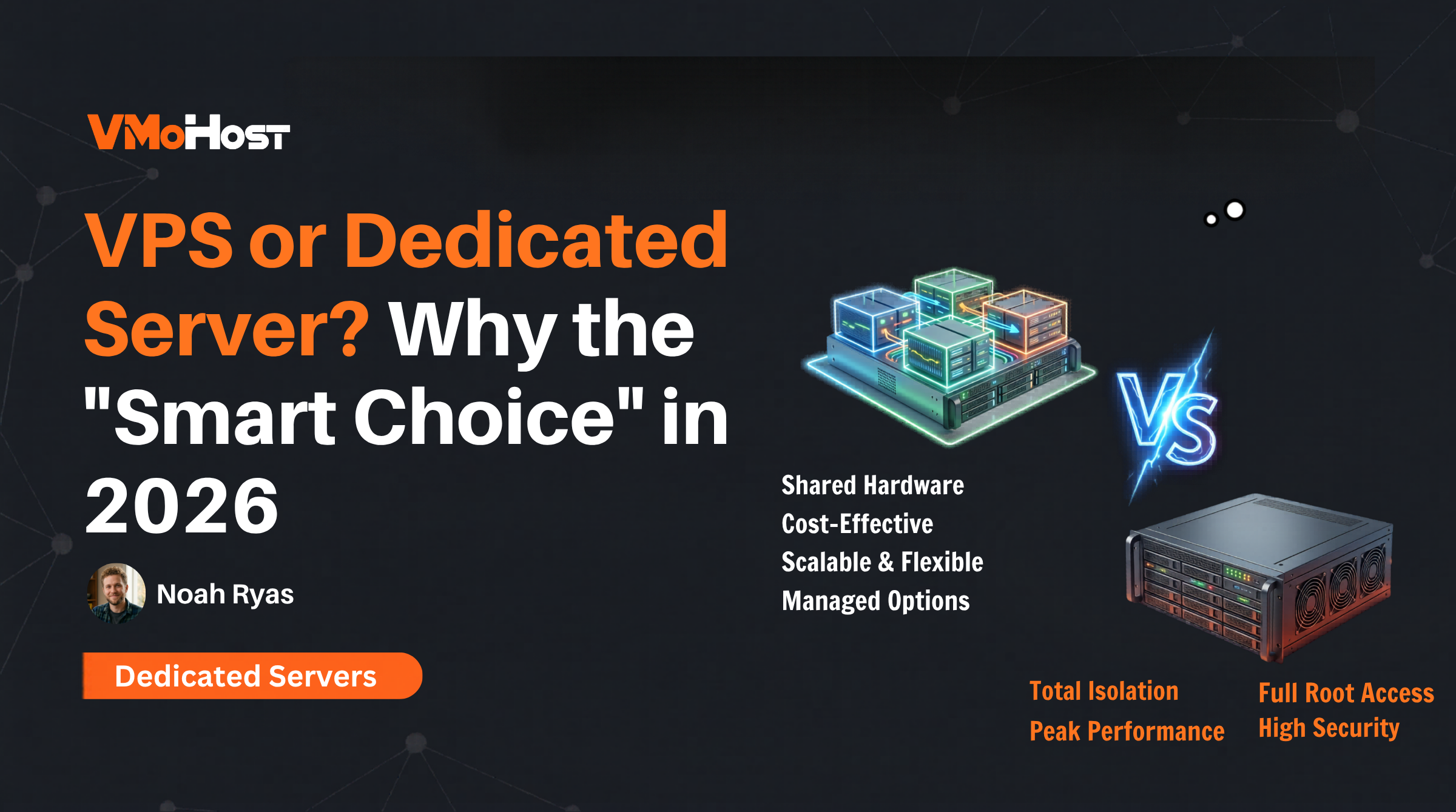
VPS or Dedicated Server? The Answer Might Surprise You
Choosing the right server infrastructure is crucial for your website's performance, security, and future growth. Compare VPS and Dedicated Server hosting across key areas.
Why is Singapore the Best Location for Dedicated Hosting in Southeast Asia?
Discover why Singapore is Asia's undisputed digital gateway for 2026. A detailed look at subsea cable connectivity, ultra-low latency, and Tier III+ data center infrastructure for gaming, fintech, and SaaS.
AMD EPYC vs Intel Xeon: Which is Best for Your Dedicated Server in 2026?
Choosing the right brain for your dedicated server in 2026. A detailed comparison between AMD EPYC and Intel Xeon for performance, AI, and value.
Top 5 Contabo Alternatives for Dedicated Servers in 2026
Tired of Contabo's downtime and silent support? We tested the top 5 Contabo alternatives for bare-metal dedicated servers in 2026 — find the best host for your business.
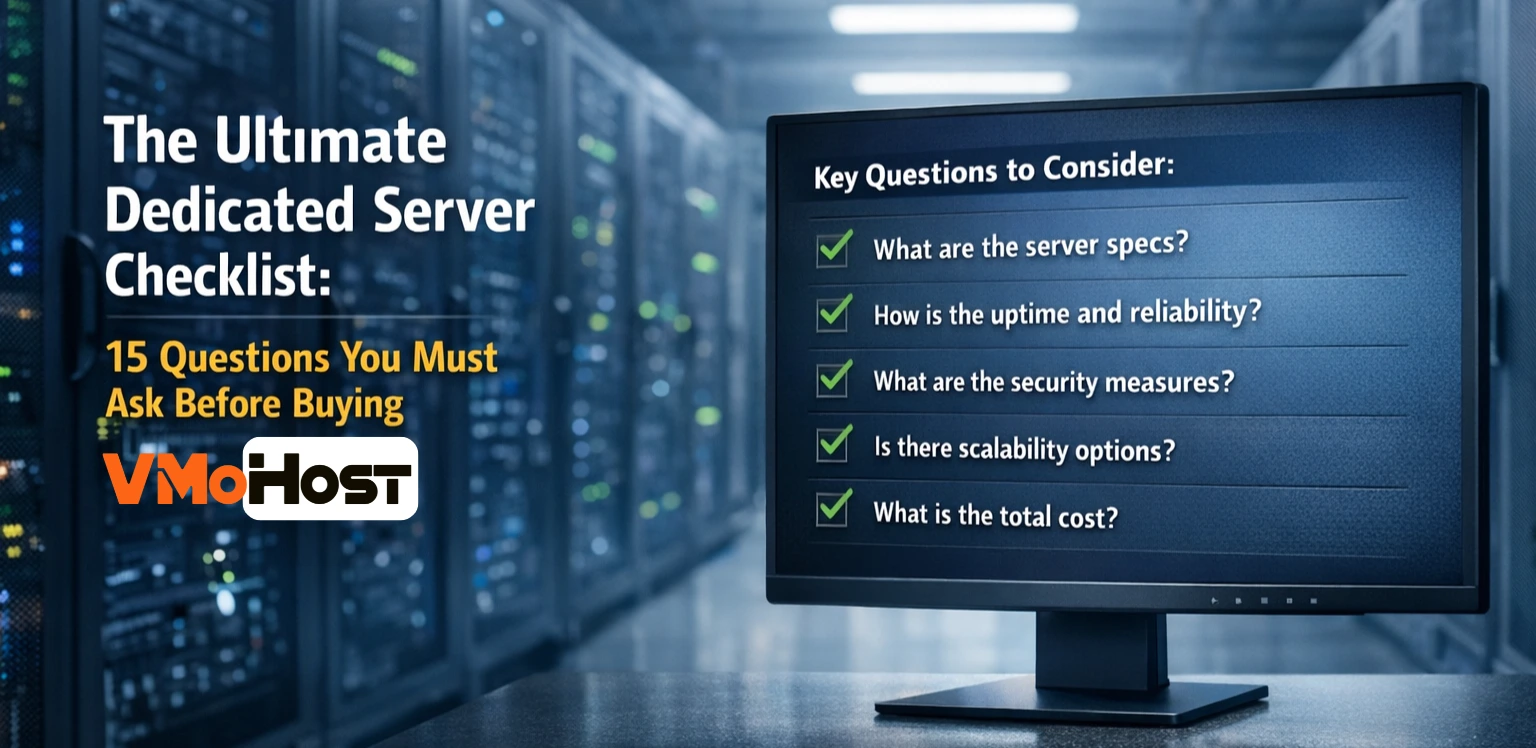
The Ultimate Dedicated Server Checklist: 15 Questions to Ask
Protect your business with this 15-point dedicated server checklist. Ask the right technical questions about hardware, network, and support before you buy.